
缩放、旋转或变换视图
scaledToFill()
缩放此视图以填充其父视图。
func scaledToFill() -> some View使用 scaledToFill() 来缩放此视图以填充其父视图,同时在视图缩放时保持视图的纵横比:
Circle()
    .fill(Color.pink)
    .scaledToFill()
    .frame(width: 300, height: 150)
    .border(Color(white: 0.75))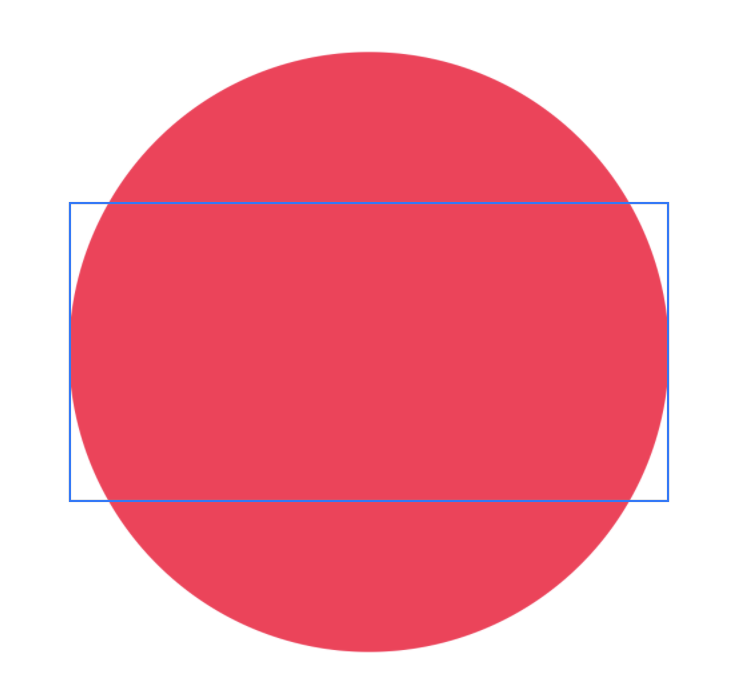
此方法等同于调用 aspectRatio(_:contentMode:),其中 aspectRatio 为 nil,contentMode 为 ContentMode.fill。
scaledToFit()
缩放此视图以适应其父视图。
func scaledToFit() -> some View使用 scaledToFit() 来缩放此视图以适应其父视图,同时在视图缩放时保持视图的纵横比。
Circle()
    .fill(Color.pink)
    .scaledToFit()
    .frame(width: 300, height: 150)
    .border(Color(white: 0.75))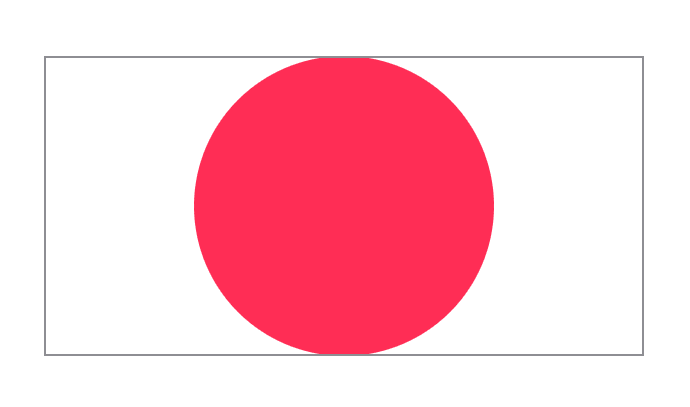
此方法等同于调用 aspectRatio(_:contentMode:),其中 aspectRatio 为 nil,contentMode 为 ContentMode.fit。
scaleEffect(_:anchor:)
相对于锚点,在水平和垂直方向上按给定的量缩放此视图的渲染输出。
func scaleEffect(
    _ s: CGFloat,
    anchor: UnitPoint = .center
) -> some Views: 在水平和垂直方向上缩放视图的量。anchor: 锚点,默认为center,表示缩放操作的起始位置。
使用 scaleEffect(_:anchor:) 对视图应用水平和垂直缩放变换。
Image(systemName: "envelope.badge.fill")
    .resizable()
    .frame(width: 100, height: 100, alignment: .center)
    .foregroundColor(Color.red)
    .scaleEffect(2, anchor: .leading)
    .border(Color.gray)
aspectRatio(_:contentMode:)
将此视图的尺寸约束到指定的纵横比。
func aspectRatio(
    _ aspectRatio: CGFloat? = nil,
    contentMode: ContentMode
) -> some ViewaspectRatio: 用于结果视图的宽度与高度的比率。使用nil可在结果视图中保持当前纵横比。contentMode: 一个标志,指示此视图是适合还是填充父上下文。
使用 aspectRatio(_:contentMode:) 可以使用指定的内容模式将视图的尺寸约束到由 CGFloat 指定的纵横比。
如果此视图可调整大小,则结果视图将具有 aspectRatio 作为其纵横比。在此示例中,紫色椭圆的宽高比为 3:4,并缩放以适应其框架:
Ellipse()
    .fill(Color.purple)
    .aspectRatio(0.75, contentMode: .fit)
    .frame(width: 200, height: 200)
    .border(Color(white: 0.75))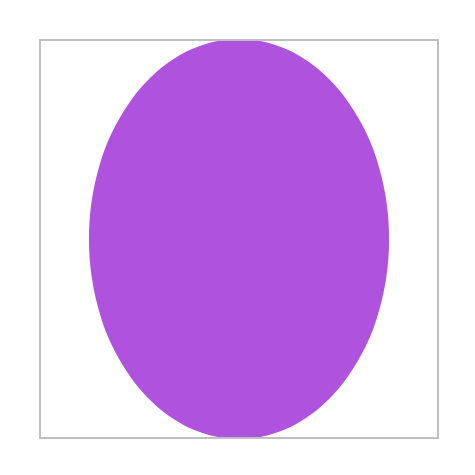
rotationEffect(_:anchor:)
围绕指定点在二维中旋转视图的渲染输出。
func rotationEffect(
    _ angle: Angle,
    anchor: UnitPoint = .center
) -> some Viewangle: 旋转视图的角度。anchor: 视图内要执行旋转的单位点。默认值为center。
此修饰符围绕指向
Text("Rotation by passing an angle in degrees")
    .rotationEffect(.degrees(22))
    .border(Color.gray)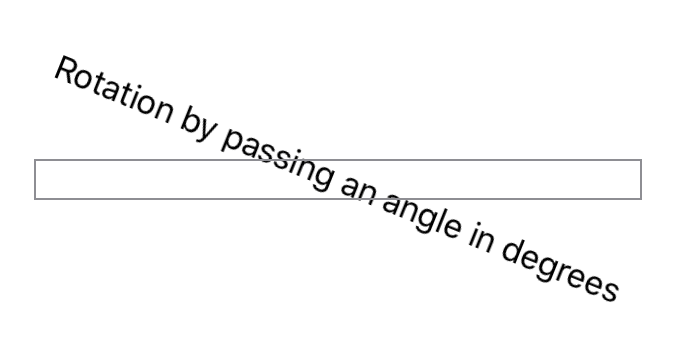
rotation3DEffect(_:axis:anchor:anchorZ:perspective:)
渲染视图的内容,就好像它围绕指定的轴在三维中旋转一样。
func rotation3DEffect(
    _ angle: Angle,
    axis: (x: CGFloat, y: CGFloat, z: CGFloat),
    anchor: UnitPoint = .center,
    anchorZ: CGFloat = 0,
    perspective: CGFloat = 1
) -> some Viewangle: 旋转视图内容的角度。axis: 旋转轴,指定为具有三个空间维度的每个元素的命名元素的元组。anchor: 视图内要执行旋转的二维单位点。默认值为center。anchorZ: 围绕其旋转内容的轴位置。默认值为 。 perspective: 旋转的相对消失点。默认值为。
使用此方法可以创建围绕指定旋转轴在三维中旋转视图的效果。修饰符将旋转后的内容投影到原始视图的平面上。使用透视值来控制渲染器的消失点。以下示例创建了围绕
Text("Rotation by passing an angle in degrees")
    .rotation3DEffect(
        .degrees(45),
        axis: (x: 0.0, y: 1.0, z: 0.0),
        anchor: .center,
        anchorZ: 0,
        perspective: 1)
    .border(Color.gray)
transformEffect(_:)
将仿射变换应用于此视图的渲染输出。
func transformEffect(_ transform: CGAffineTransform) -> some View使用 transformEffect(_:) 可以根据提供的 CGAffineTransform 旋转、缩放、平移或倾斜视图的输出。
在下面的示例中,文本在
let transform = CGAffineTransform(rotationAngle: -30 * (.pi / 180))


Text("Projection effect using transforms")
    .transformEffect(transform)
    .border(Color.gray)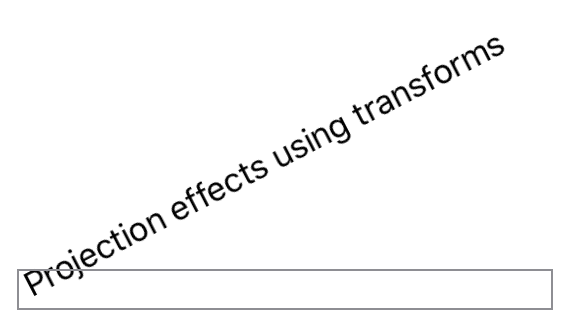
projectionEffect(_:)
将投影变换应用于此视图的渲染输出。
func projectionEffect(_ transform: ProjectionTransform) -> some View使用 projectionEffect(_:) 对视图应用 3D 变换。
下面的示例将文本围绕
// This transform represents a 30˚ rotation around the z axis.
let transform = CATransform3DMakeRotation(
    -30 * (.pi / 180), 0.0, 0.0, 1.0)


Text("Projection effects using transforms")
    .projectionEffect(.init(transform))
    .border(Color.gray)